

Prerequisites
- Access to the Anthropic Console with permission to create Admin API keys
- An Admin API key (keys typically start with
sk-ant-admin)
Set up the Anthropic integration
In Optimaze, open Integrations, then choose Anthropic (or Create and select Anthropic).Step 1: Create an Admin API key in Anthropic
In the Anthropic Console, go to Settings → Admin API Keys and create an Admin API key. Copy the secret once and store it securely.Step 2: Enter the key in Optimaze
Paste the Anthropic Admin API key into the Optimaze form. Optionally set a display name (for exampleAnthropic Optimaze). Credentials are stored encrypted in Optimaze integration config.
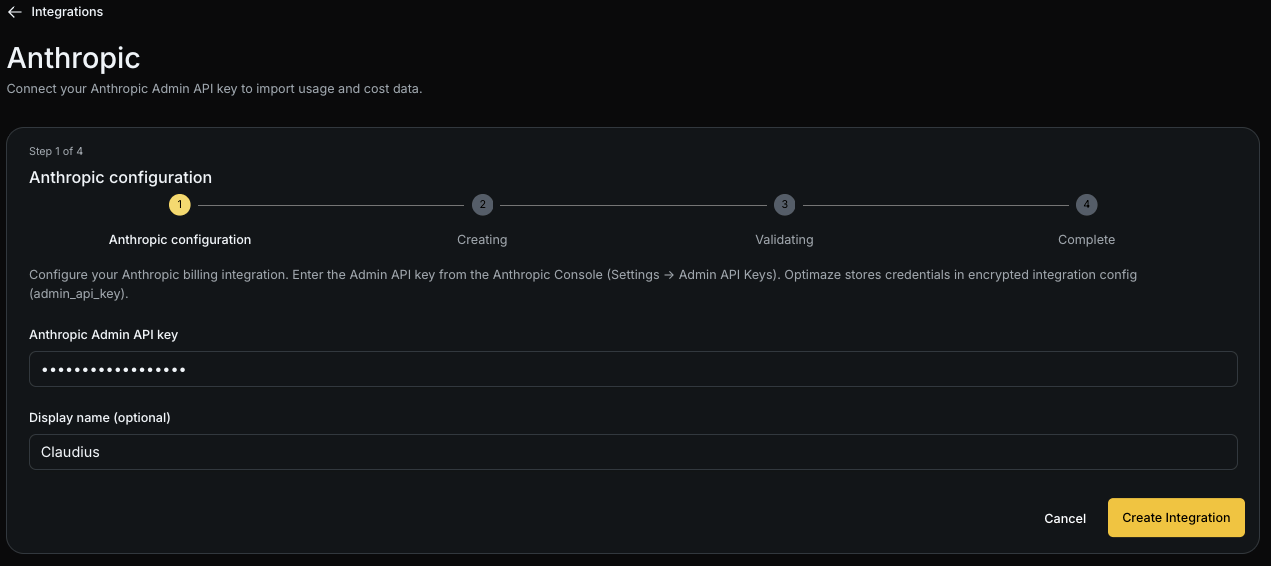
Step 3: Create the integration
Submit the form to create the integration. Optimaze validates the key and starts syncing usage and cost data.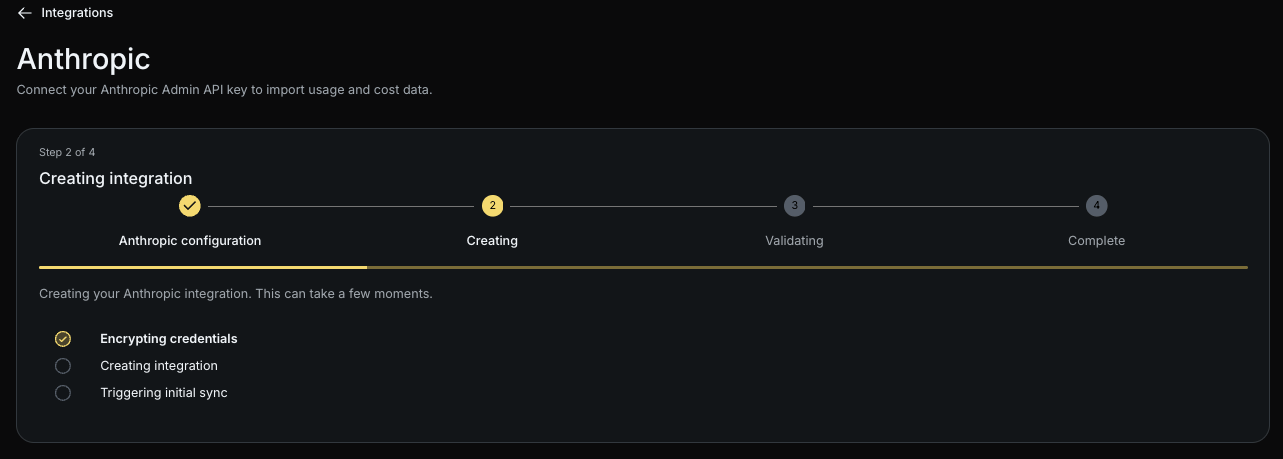
What happens next
Usage and cost data appear after the first successful sync. Monitor status on the Integrations list. Rotate the key from the edit screen when needed (leave the field blank to keep the existing credential).Troubleshooting
- Use an Admin key (
sk-ant-admin...), not a standard Messages API key. - Confirm the key has organisation-level admin access for the workspace you intend to measure.
- If validation fails, create a new Admin key and update the integration.