
Explore
Overview
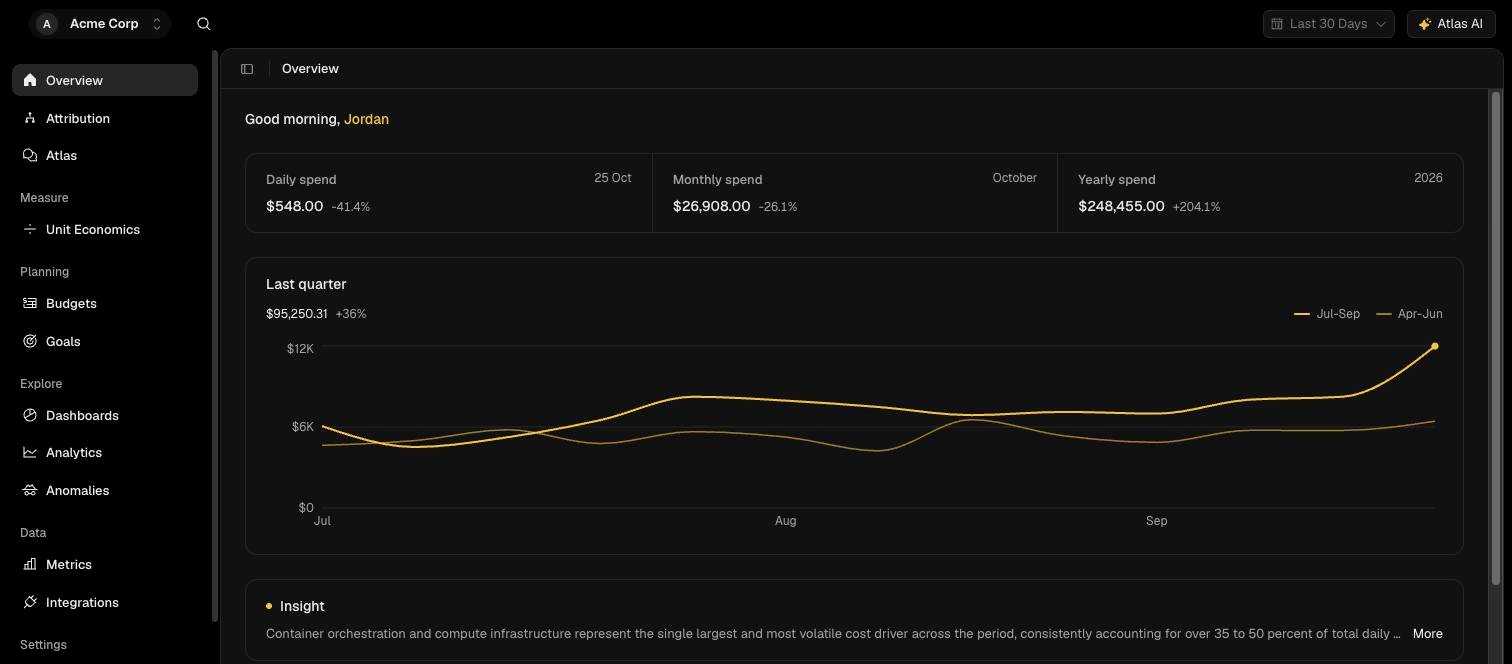
Read the Overview page for today’s, this month’s and this year’s spend, the quarter-on-quarter trend, and the items you own.
Overview is the first page you see after signing in. It answers the questions most people open OPTIMAZE to ask, what are we spending now, how does that compare with before, and is anything I own off track.