

The Dashboards page
Under Explore, select Dashboards. Each dashboard shows its name, description, owner and when it was last modified. Search by name, filter to Favourites only, switch between grid and list views, and Export the list.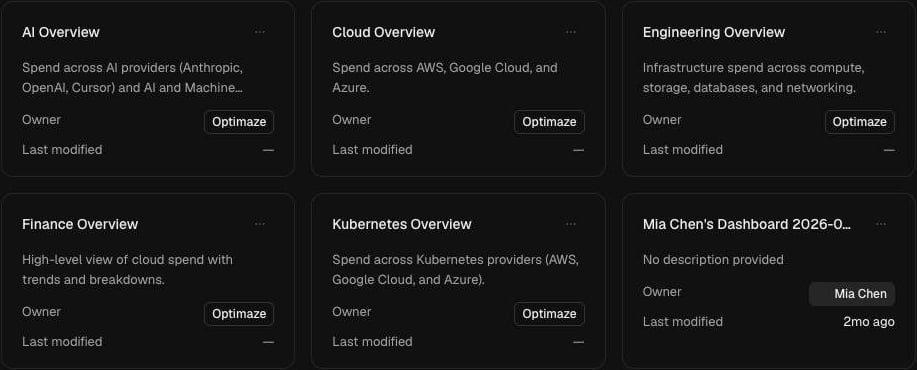
Prebuilt dashboards
Dashboards owned by Optimaze are prebuilt and read-only. Open one to explore it, then clone it to get an editable copy of your own.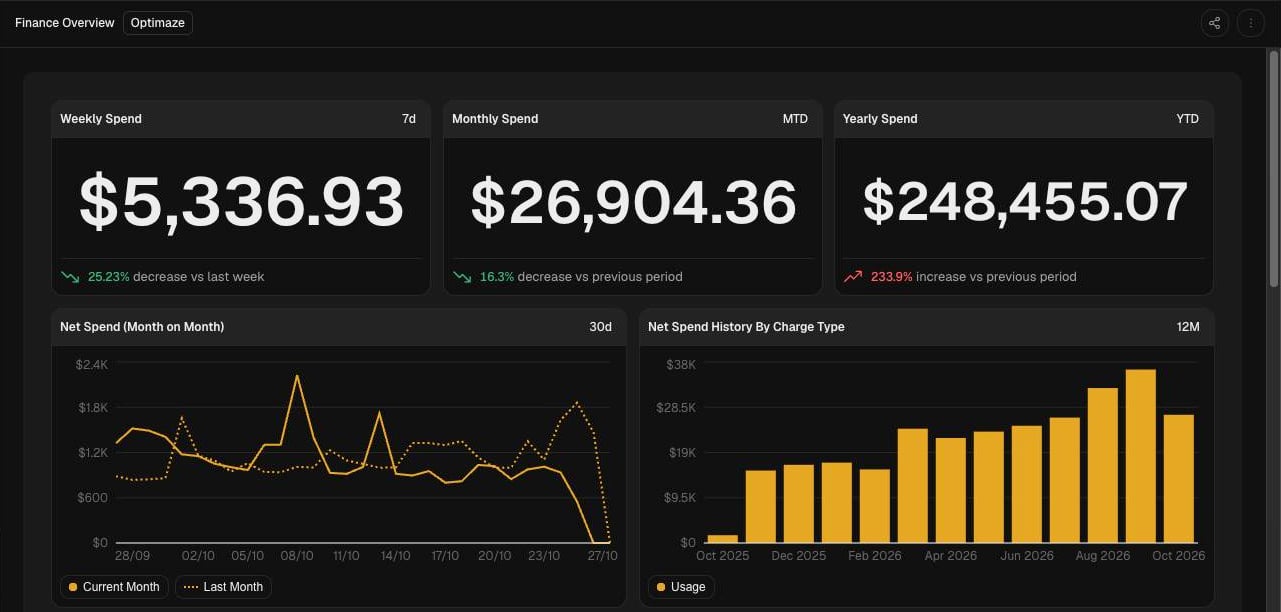
Create a dashboard
- Select New dashboard. OPTIMAZE creates a blank dashboard and opens the editor.
- Add widgets, then drag to arrange and resize them on the grid.
- Changes save automatically as you work.
Widget types
Configure a widget
Open a widget’s configuration to choose its data and how it looks.- Data source: Spend for standard cost views, or Attribution for views scoped to an attribution model, its nodes or targets. Filters work the same way as in Analytics.
- Date range: use the dashboard’s date range, or set one for the widget alone.
- Display: chart style, legend, palette, number format and comparisons with a prior month or year.