

Prerequisites
- Organisation admin role in Optimaze (required to create, rotate, and revoke keys)
- Access to Integrations in the dashboard
Create an API key
Step 1: Open the API key wizard
In Optimaze, under Data, select Integrations, then select Create API key on the Optimaze API tile. Alternatively, open Integrations → API keys and choose Create API key.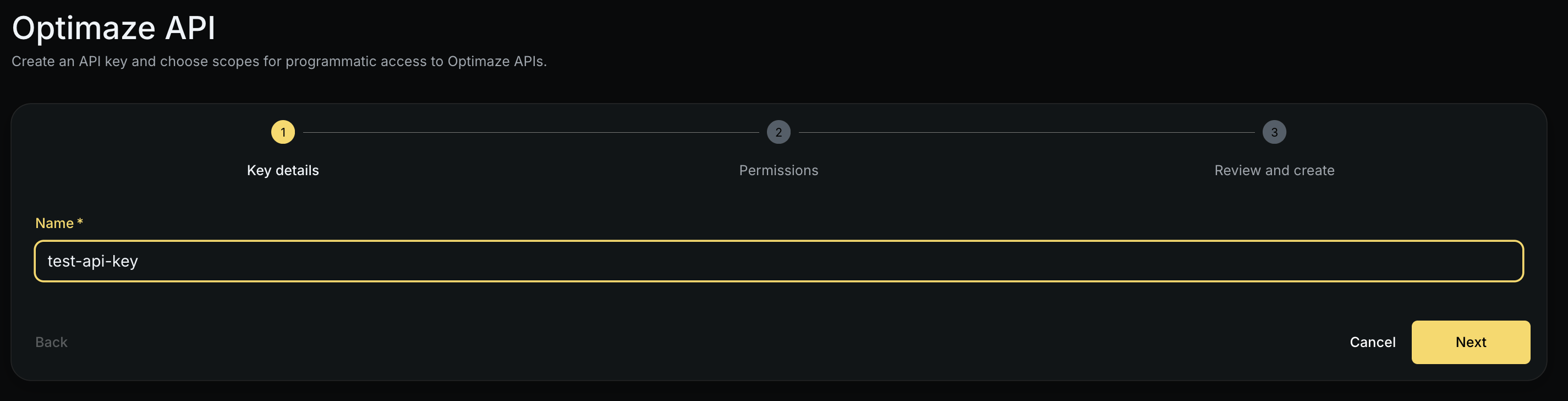
Step 2: Enter key details
Provide a descriptive name (for exampleFinance warehouse ingest or CI metrics publisher). Names appear in the API keys list and audit views.
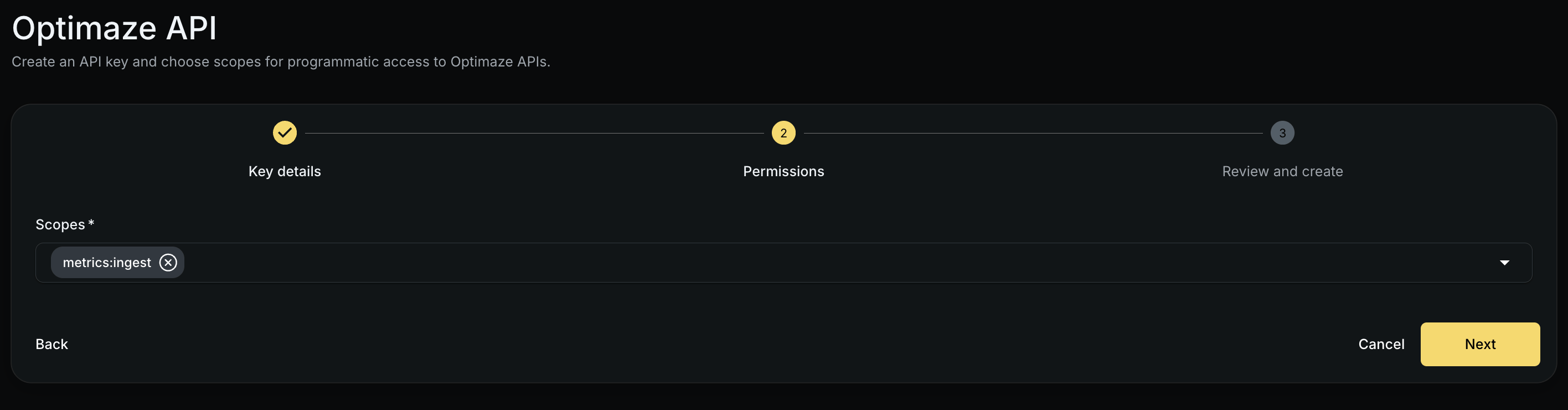
Step 3: Select scopes
Choose the scopes this key needs. For business metrics ingest, selectmetrics:ingest.
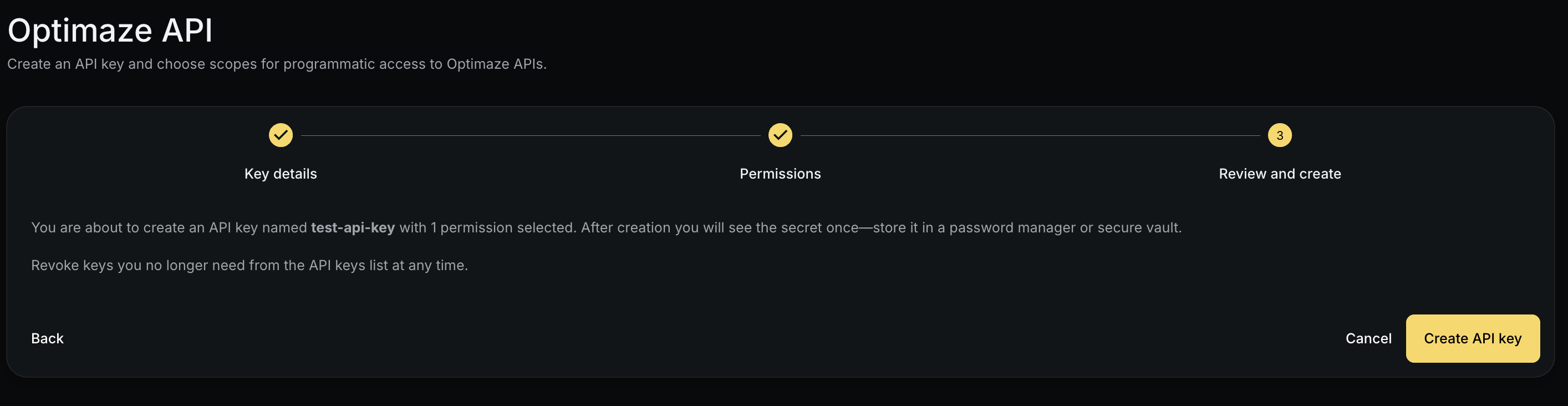
Step 4: Review and copy the secret
Review the key name and scopes, then create the key. Optimaze shows the raw secret once (formatomz_...). Copy and store it in your secrets manager, it cannot be retrieved again.
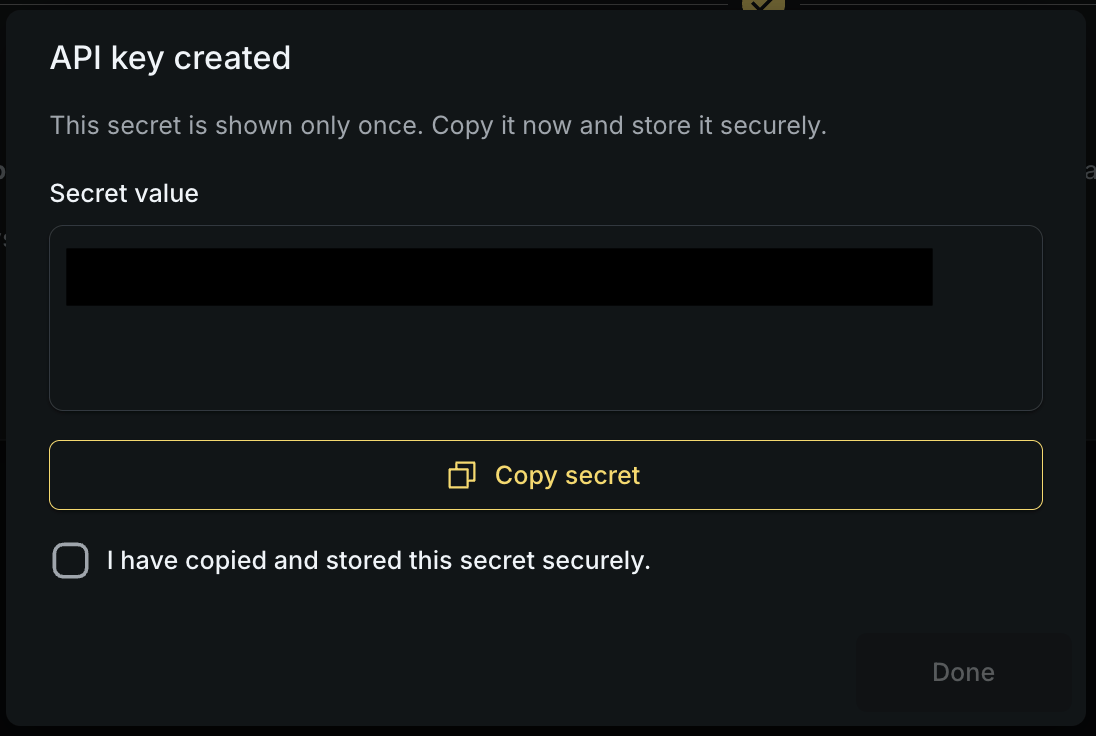
Use the key
Pass the raw key in theoptimaze-api-key header on API requests. Also send optimaze-org-id when the endpoint requires organisation context (for example business metrics ingest).
See Business metrics for a complete ingest example.
Manage existing keys
From Integrations → API keys, organisation admins can:- List all keys in the organisation (members see only keys they created)
- Rotate a key: issues a new secret; optionally keep the old key active during a grace period
- Revoke a key: immediately blocks further use
Security practices
- Store keys in a secrets manager, not source control
- Grant the minimum scopes required (
metrics:ingestonly when ingesting metrics) - Rotate keys on a schedule or when team members with access leave
- Revoke unused or compromised keys promptly
Troubleshooting
- Cannot create a key: Confirm you have organisation admin permissions.
- 401 / 403 on API calls: Key may be revoked, expired, missing the required scope, or paired with the wrong
optimaze-org-id. - Lost secret: Rotate or revoke the key and create a new one; raw secrets are not stored server-side.