

Goal types
Before you start
- A Financial Operating Model with the node you want to set a goal on.
- For a unit economic goal, a unit economic linked to that node.
The Goals page
Under Planning, select Goals. Goals are grouped by the node they sit on, shown as a path such as Acme Corp / Development AI. Filter by All types and All statuses, search by name, and switch between card and table views. Expand all opens every group, and Export downloads the list.Create a goal
Select New goal. The wizard has five steps.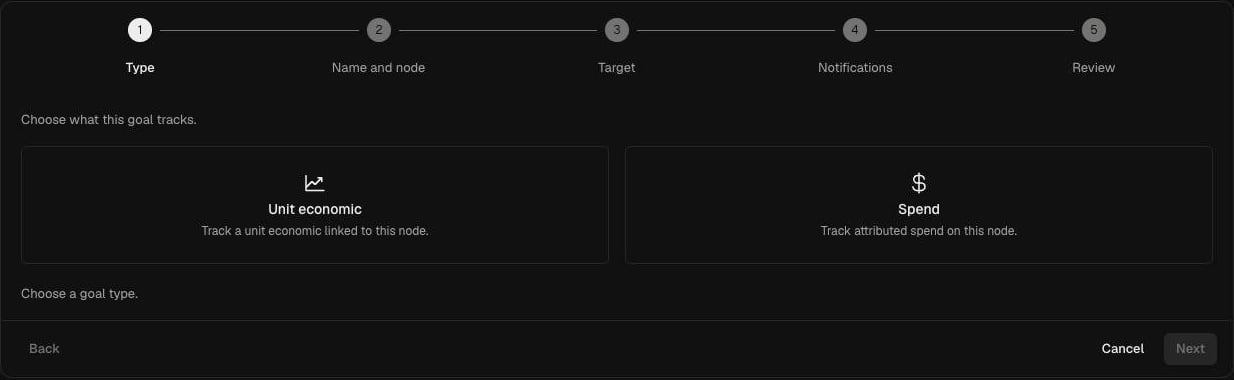
1
Type
Choose Unit economic or Spend.
2
Name and node
Enter a Name, then choose the Financial Operating Model (or one of its sub-models) and the Node the goal belongs to. Progress is tracked in the context of that node.
3
Target
Choose the Period: Monthly, Quarterly or Yearly.For a unit economic goal, choose the Unit economic (only those linked to the node are listed) and enter the Target per month (or per quarter or year).For a spend goal, choose how to express the target: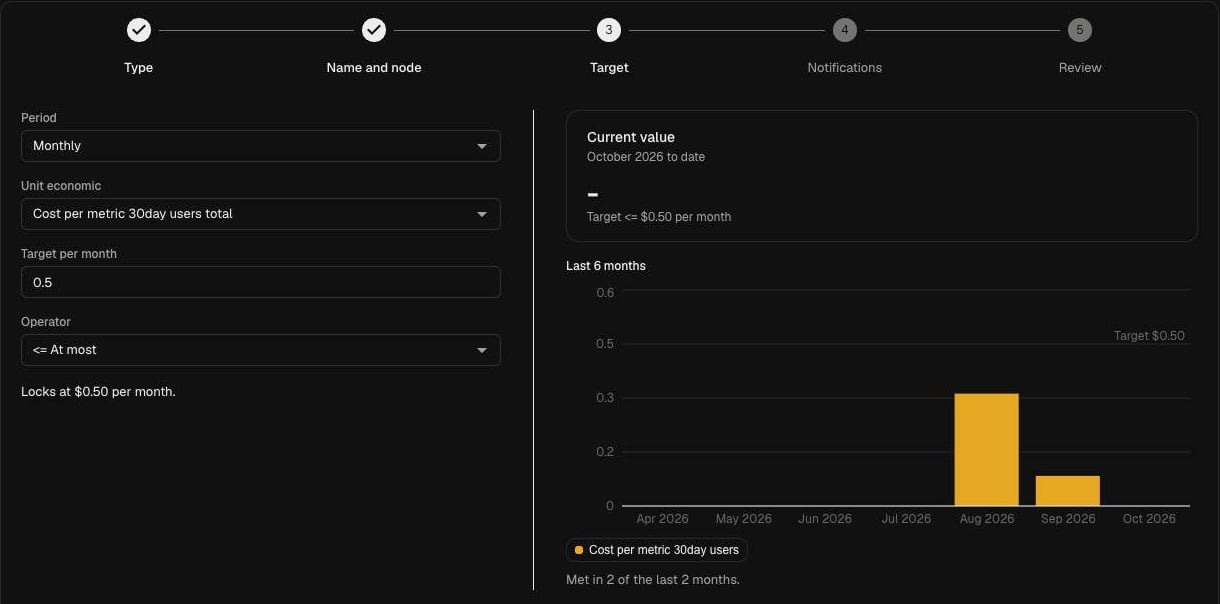
- Dollar target: an amount per period, such as $40,000 a month.
- Percentage below a starting cost: a Percent reduction from a Starting cost you enter, such as 15% below $50,000.
The Current value panel shows the actual for the period to date, and a chart of the last six months shows how often the target would have been met. The line under the fields confirms the locked target, for example Locks at $0.50 per month.
4
Notifications
The owner of the node is always notified. Notices are sent when the goal leaves On track. To notify anyone else, add organisation members under Notification recipients, or use Add email or Add Slack channel. Members you add are told they have been chosen as recipients.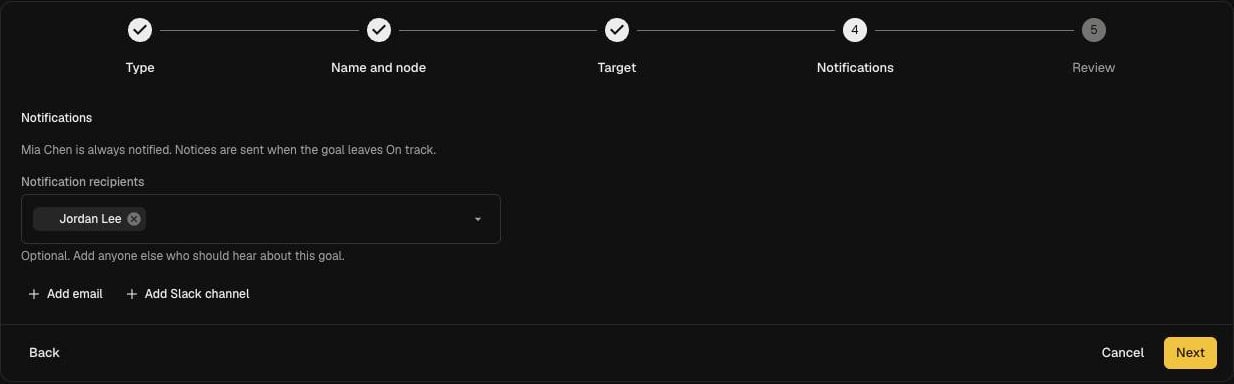
5
Review
Check the summary of the goal, its target and who will be notified, then select Create goal.
Targets are locked when you create the goal. A budget added to the same node later will not move it.
When the model changes
If a model change removes the node a goal sits on, the publish confirmation lists the goal and publishing archives it. See Edit and publish a model.Troubleshooting
- Current value says “Couldn’t load recent values”. The node may have no attributed spend yet. Check the node on the attribution view and its coverage.
- My unit economic is not in the list. Unit economic goals only list unit economics linked to the chosen node. Link it in Unit economics.